MetaTrader API · 8 min read · 2026-04-16
MetaTrader API CRM Integration for Brokers
By API2Trade Editorial Team

Learn how to design a MetaTrader API CRM integration for brokers using documented account, connection, service, and trading workflows alongside Salesforce or HubSpot objects, associations, tickets, and onboarding logic.
CRM integration only helps brokers when it preserves the difference between customer workflow, operational truth, and trading control. The best systems make that boundary clearer, not blurrier.
Direct answer
A MetaTrader API CRM integration works when the CRM manages relationships, workflow state, and operator context while the application layer manages account connectivity, credentials, and execution-side rules. In practice, that means your integration should synchronize contacts, companies, deals, tickets, KYC state, account UUIDs, health signals, and support context, while leaving trading credentials and execution policy in the governed application layer.
Short answer: The reliable pattern is to use documented MetaTrader account and connection workflows for operational truth, then project the right identifiers and statuses into Salesforce or HubSpot so sales, onboarding, compliance, and support teams can work from the same account context without turning the CRM into a trading terminal.
Why CRM integration is not just lead sync
Broker CRM projects fail when they are scoped as “push leads into MetaTrader” or “mirror MetaTrader inside Salesforce.” Neither model is clean enough for real operations.
A broker stack usually includes several systems with different jobs:
- CRM for contacts, companies, deals, tickets, task ownership, and process visibility
- Application logic for permissions, retries, audit logging, workflow rules, and orchestration
- MetaTrader API workflows for account state, connectivity, utility checks, and controlled trading actions
- KYC and payment systems for identity checks, approvals, invoices, and transaction records
If you collapse those jobs into one tool, teams lose trust in the data. The CRM stops reflecting real account state, while the trading stack starts accumulating business rules it should not own.
That is why the correct question is not “Can Salesforce connect to MetaTrader?” The better question is which operational facts belong in the CRM, which facts belong in the trading system, and which events should synchronize between them.
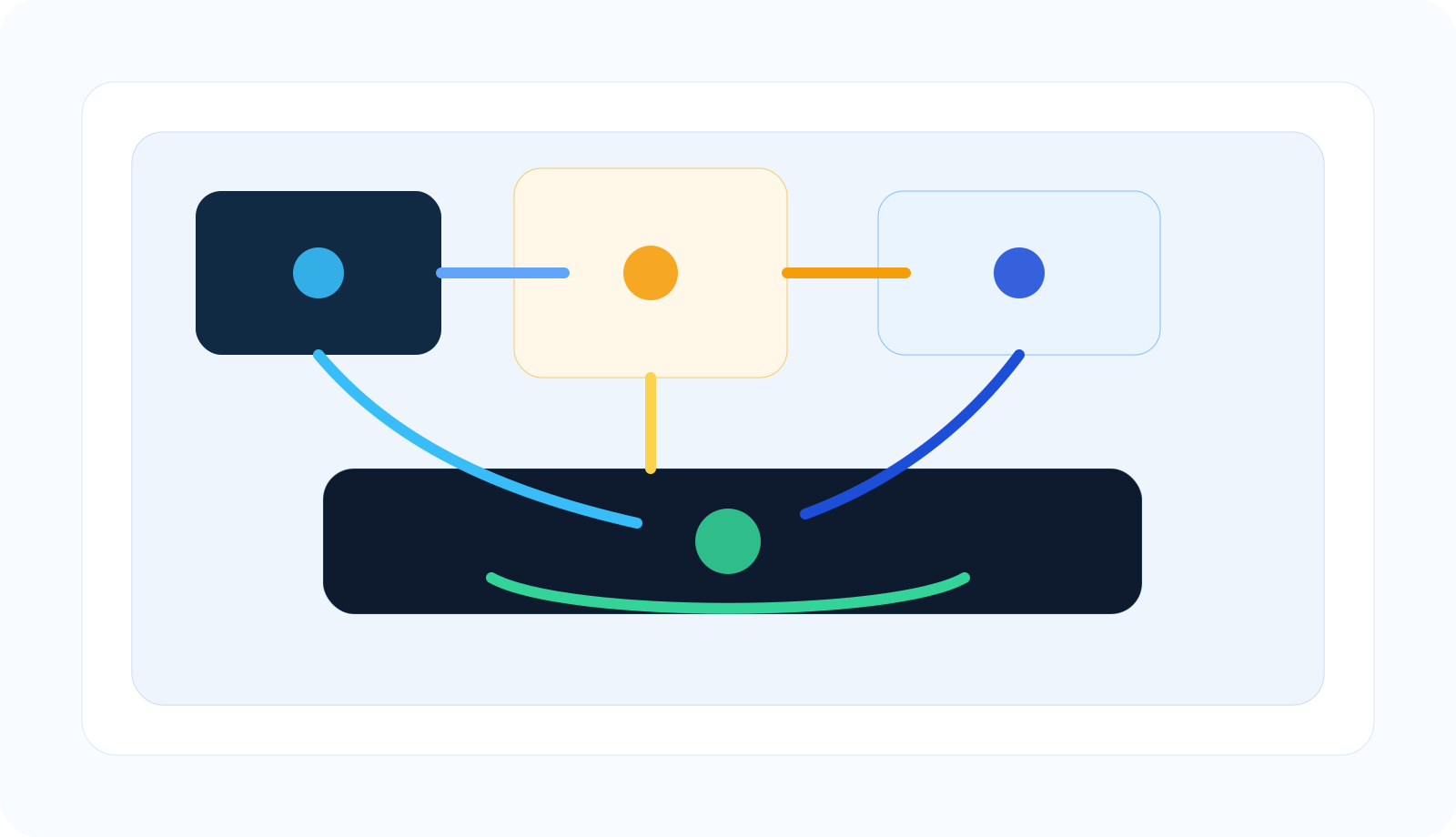
A clean integration separates relationship management, workflow orchestration, trading-account state, and adjacent compliance or payment systems.
What the docs-backed MetaTrader side actually exposes
The first-party docs matter here because they tell you what the bridge can actually observe and do.
Authentication and account identity
The authentication docs show two access models. Single Account plans use x-api-key with an account UUID, while Pro plans use Basic Auth and a dedicated base URL. For CRM integration, that matters because the integration key is not just a human login. It is a governed service identity plus an account identifier that your application should map to CRM records deliberately.
Account workflows
The verified account docs expose workflows such as /RegisterAccount, /GetAccounts, /AccountSummary, and /AccountDetails. The same page also documents related surfaces such as /Groups, /IsInvestor, and quote-oriented workflows. That gives a broker application a clear place to register accounts, list connected accounts, inspect current summary values, and enrich support views with account context.
Connection and service health
The verified connection docs document /CheckConnect. The verified service docs document /Ping, /PingHost, /PingHostMany, /Search, /LoadSrv, and /LoadServersIni. That matters because broker support workflows need connection evidence and service diagnostics, not just a contact record that says “client complained.”
If your next question is how those diagnostics tie into VPS placement, execution paths, and broker-side operational risk, the paired article is low-latency MetaTrader infrastructure for brokers.
Trading workflows are still separate from CRM workflow
The verified trading docs document /OrderSend and fields such as symbol, operation, volume, price, slippage, stoploss, takeprofit, comment, magic, expiration, and placedType. That does not mean your CRM should place trades. It means the trading boundary exists and can be governed by the application layer when product or ops workflows need it.
| Docs family | What it gives the broker app | Why the CRM cares |
|---|---|---|
| Authentication | Service identity and account-scoped access | Lets the integration map CRM records to governed account identities instead of ad hoc credentials |
| Account | Registration, listing, summary, detail, group, and investor-mode context | Supports onboarding, support lookup, account ownership, and account-status views |
| Connection | Connection-state checks | Lets CRM-driven support or onboarding workflows distinguish account trouble from process trouble |
| Service | Utility, search, and connectivity diagnostics | Improves internal ops tooling and faster case triage |
| Trading | Controlled order-side actions when the app layer authorizes them | Reminds teams that execution belongs in governed app logic, not in a generic CRM automation rule |
How Salesforce and HubSpot fit into the model
Once the MetaTrader side is clear, the CRM side becomes easier to design.
Salesforce as the relationship and workflow system
The official Salesforce developer guidance says external apps can use several object-data patterns depending on the workload: sObject resources for individual record CRUD, Query for SOQL retrieval, Composite resources for multiple operations in one call, and Bulk APIs for large-scale workloads. That is useful for broker integrations because you usually need more than one shape of sync.
For example:
- create or update a contact and company when a prospect becomes an approved applicant
- store the MetaTrader account UUID on the right record once registration succeeds
- open or update a service case when
CheckConnector health checks fail - use Composite-style orchestration when several CRM records must stay in lockstep during onboarding
Salesforce’s official Pub/Sub API guidance also matters because it supports publishing and subscribing to platform events and change data capture events. That makes event-driven integration patterns realistic when a broker wants to push onboarding or support-state changes across systems instead of relying only on batch sync.
HubSpot as the object, property, and association layer
The official HubSpot CRM docs describe a model built around objects, records, properties, associations, schemas, search, and pipelines. That is a strong fit for lighter-weight broker workflows where teams want contact, company, deal, ticket, and custom-object visibility tied to account progress.
The associations docs are especially useful because they document both default and labeled associations. That means a broker can model relationships like:
- contact -> company
- contact -> ticket
- deal -> trading account record
- company -> multiple account records with labeled roles or program types
In other words, HubSpot can hold relationship context and process state, while the application layer still owns the MetaTrader-facing operations.
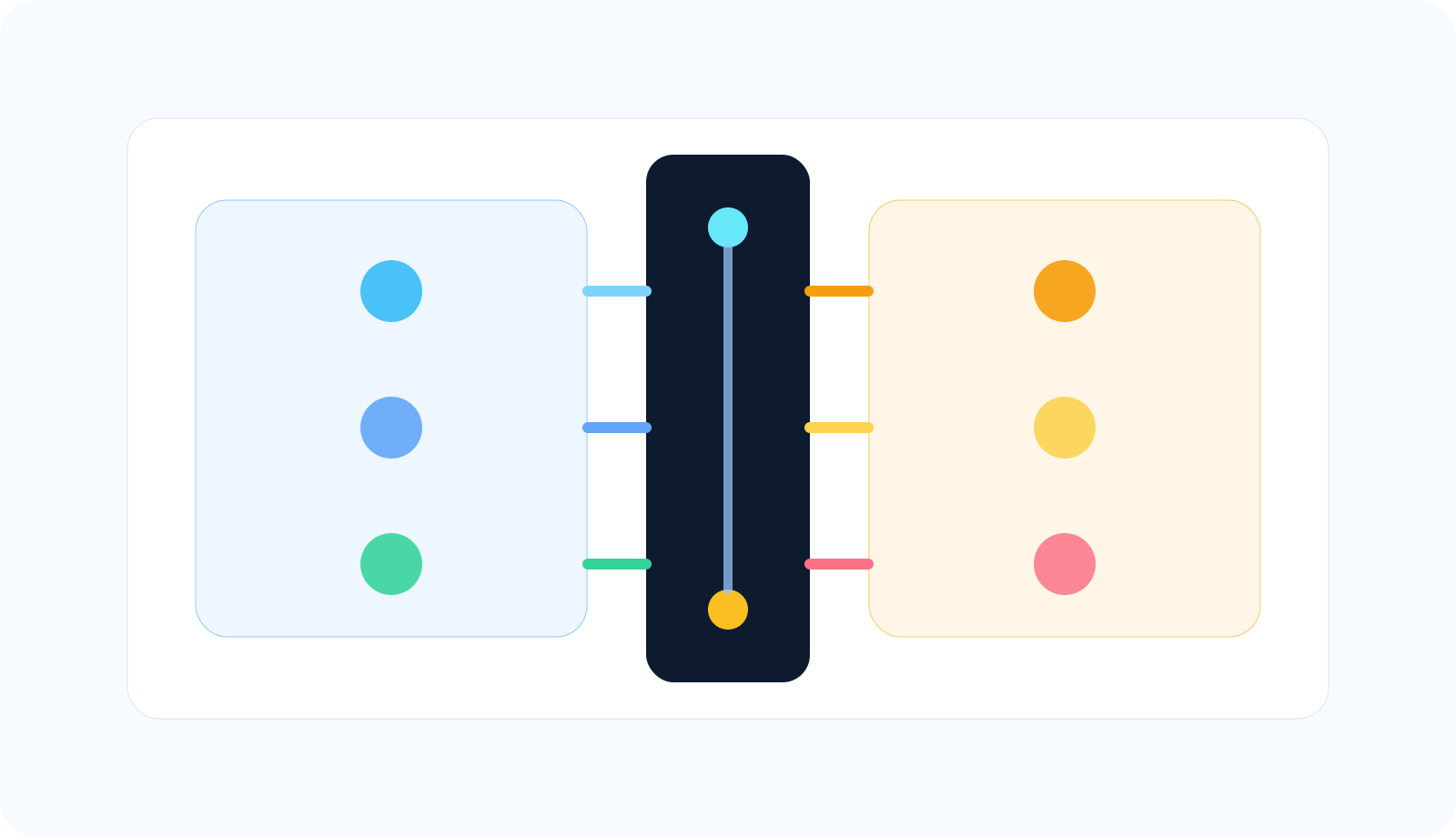
The CRM should help teams understand the customer and workflow state. The application layer should still govern account actions and execution boundaries.
What should sync and what should not
Good candidates to synchronize into the CRM
- contact, company, and deal ownership
- KYC stage, approval state, and review status identifiers
- trading account UUID, login number, server name, and account type references
- high-level account snapshots such as balance, equity, margin context, or connection-health status where operationally useful
- ticket and support history tied to the correct account record
- payment status references, invoice IDs, or subscription state from the payment system
Bad candidates to store as core CRM truth
- trading credentials or raw passwords
- full quote streams or tick history
- execution logic that belongs in the application layer
- unbounded duplicate copies of trading history when only summaries or references are needed
- compliance decisions with no audit trail back to the source system
The rule is simple: sync the facts people need to operate the broker workflow, not every raw trading artifact the platform can expose.
Reference architecture for broker CRM integration
A practical architecture usually has five layers:
- CRM layer: Salesforce or HubSpot records, associations, pipelines, tasks, and tickets
- Broker application layer: permissions, retries, mapping rules, audit trails, and orchestration
- MetaTrader API layer: auth, account workflows, connection checks, service diagnostics, and controlled trade-side workflows
- KYC and payment systems: approvals, invoices, subscriptions, or payment events
- Reporting and operator views: dashboards for onboarding, account health, support, and escalation
The broker application is the part that keeps these layers honest. It decides which CRM fields are authoritative, which MetaTrader signals trigger support or onboarding updates, which payment events unlock account steps, and which actions require human review.
This is why the broader companion article on broker account-management automation pairs so well with this one. That page covers the wider operations stack. This article goes deeper on the CRM and workflow boundary inside that stack.
If your broker tooling also powers evaluation or funded-account programs, the next operational layer is prop-firm rule enforcement around MetaTrader accounts. And if your team needs the technical map of the docs tree, go to the MetaTrader API documentation guide.
Architecture rule: If support, sales, and onboarding teams cannot tell which system owns a field or decision, the integration model is not ready yet.
Implementation sequence
- Define the system of record for each field. Decide which system owns contact identity, payment state, KYC state, account UUID, account health, and support status.
- Create a durable identity mapping. Connect CRM records to MetaTrader accounts using governed IDs such as account UUID, server reference, account login, and internal broker customer IDs.
- Automate registration and confirmation carefully. Use account-registration workflows from the documented API surface, then write the successful account reference back into the CRM only after the account is actually connected.
- Add account summaries and connection health. CRM users do not need every quote, but they do need current account context and support-grade health signals.
- Model tickets, tasks, and escalations around the right account objects. This is where CRM associations and pipelines start earning their keep.
- Add event-driven sync only after the field model is stable. Salesforce eventing or HubSpot workflow-driven updates are most useful after the broker knows exactly what should change and why.
- Keep credentials and execution controls out of generic CRM automation. The application layer should still gate account actions and sensitive fields.
If your next concern is productizing these workflows into a broker or partner platform, the companion architecture read is Build a Forex SaaS with MetaTrader API.
Common mistakes
Using the CRM as the execution engine
Sales and support systems should not quietly become the place where trading actions are authorized without application-layer controls.
Skipping identity design
If contact IDs, account UUIDs, login numbers, and internal customer IDs are not mapped cleanly, duplicate records and broken automations show up fast.
Over-syncing raw trading data
Mirroring every raw trading artifact into the CRM usually creates cost, clutter, and confusion. Most teams need operational summaries and references, not a second trading database.
Storing secrets in the wrong system
Credentials and sensitive operational controls belong in the governed application or secret-management layer, not in a broad-access CRM field.
Confusing adjacent systems with MetaTrader capabilities
KYC, payment processing, and CRM automation are important, but they are adjacent systems. The MetaTrader API should be described honestly as the account and trading workflow boundary, not as a replacement for the whole broker stack.
Conclusion
The best MetaTrader API CRM integrations do not try to make one system do every job. They connect the documented trading-account workflows to a clean CRM model so teams can onboard clients faster, support them with better context, and keep the workflow auditable.
That is what makes Salesforce or HubSpot genuinely useful in a broker environment. They become the relationship and process layer around account operations, not a fragile mirror of the trading terminal.
When the field ownership is clear, the account mapping is durable, and the application layer governs the sensitive actions, the integration becomes much easier to scale.
References and Source Notes
- API2Trade Authentication - First-party auth model for Single Account and Pro plans
- API2Trade MT4 Account Docs - Documents RegisterAccount, GetAccounts, AccountSummary, AccountDetails, Groups, IsInvestor, and Quote workflows
- API2Trade MT4 Connection Docs - Documents CheckConnect for connection-state monitoring
- API2Trade MT4 Service Docs - Documents Ping, PingHost, PingHostMany, Search, LoadSrv, and LoadServersIni
- API2Trade MT4 Trading Docs - Documents OrderSend and related trading fields
- Salesforce Developers: Accessing Object Data with Salesforce Platform APIs - Official guide to sObject, Query, Composite, and Bulk API patterns
- Salesforce Developers: Pub/Sub API - Official guide to event-driven integrations with platform events and change data capture events
- HubSpot Docs: Understanding the CRM APIs - Official overview of objects, properties, associations, schemas, search, and pipelines
- HubSpot Docs: Associate Records - Official guide to default and labeled associations between CRM records
- How Brokers Automate Account Management with MetaTrader API - Related operations workflow article on the same domain
- How to Build Prop Firm Rule Enforcement Around MetaTrader Accounts - Related article for brokers running prop-style programs
- MetaTrader API Documentation Guide - Docs map for implementation teams
- Build a Forex SaaS with MetaTrader API - Related architecture guide for product teams
- Low-Latency MetaTrader Infrastructure for Brokers: Execution Paths, VPS, and Operational Risk - Related article on infrastructure placement, ping checks, and path observability
FAQs
Does MetaTrader API come with a built-in Salesforce or HubSpot integration? : Not from the docs-backed model described here. The reliable pattern is to use the documented MetaTrader workflows inside your own application layer, then sync the right identifiers and statuses into Salesforce or HubSpot.
What should a broker store in the CRM after account creation succeeds? : Usually the right answer is to store customer ownership, account UUID, login and server references, KYC and payment state references, support context, and high-level health or account summary data that operators need. Sensitive credentials should stay out of the CRM.
Why do CRM associations matter in a broker integration? : Because broker workflows depend on relationships: which contact belongs to which company, which deal or onboarding case led to which trading account, and which tickets or tasks belong to which account. Associations make those relationships explicit and queryable.
Should a CRM place trades directly through MetaTrader API? : That is usually the wrong design. If trading actions exist in the workflow at all, they should be gated by the broker application layer with permissions, auditability, and controlled business rules instead of generic CRM automation logic.
What is the biggest mistake in MetaTrader CRM integration projects? : The biggest mistake is failing to define field ownership and system boundaries. Once teams stop knowing which system owns account state, support status, or approvals, the integration becomes hard to trust and hard to scale.
Ready to integrate the MetaTrader API?
Set up in under 30 minutes. No terminal required.
Get Started →